
Video Tutorials
Watch and Learn
Getting started
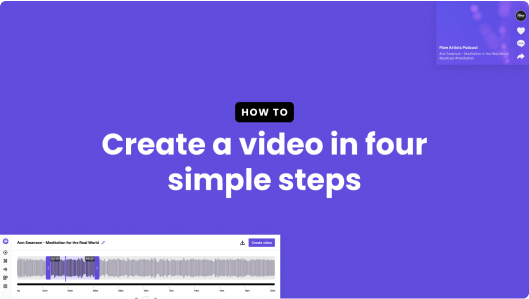
Video • 03:05
Create a video
Learn how to create a video with SoundMadeSeen
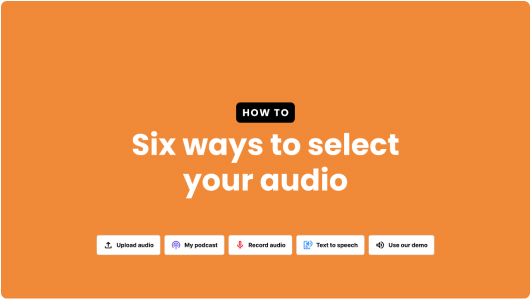
Video • 02:14
Six ways to select audio
Learn six ways to select audio for your video
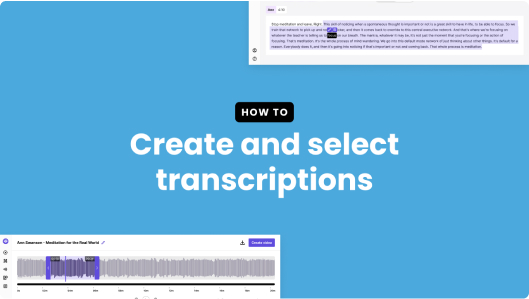
Video • 06:35
Transcription editing
Learn how to edit your transcription
Video • 02:48
Transcription uploading
Learn how to upload a transcription in VTT, SRT or text format
Static design editor

Video • 00:00
Design editor deep dive
Learn how to use the design editor to create videos
Video • 00:00
Design editor updates
Learn about the latest updates to the design editor
Video • 00:00
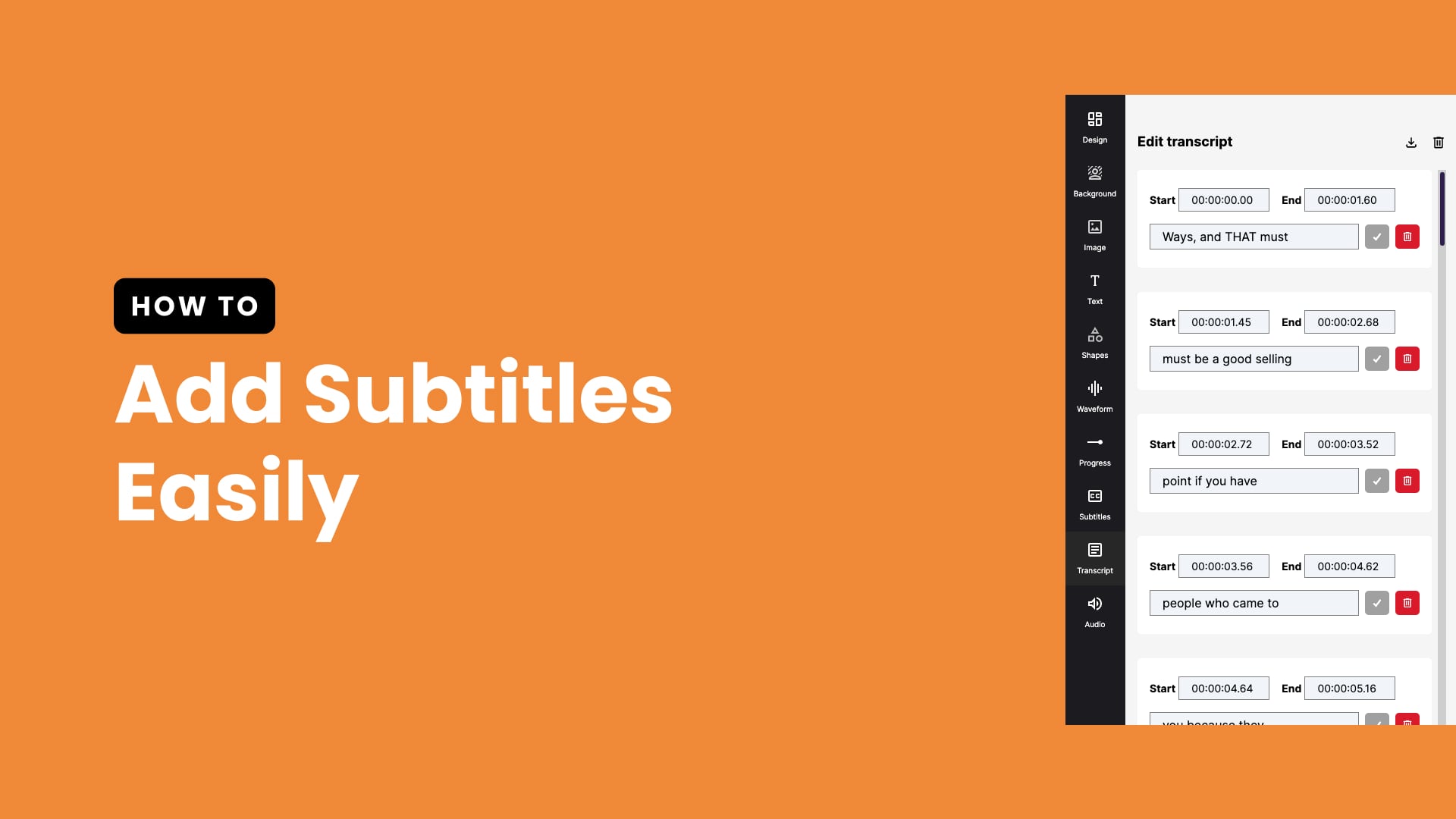
Edit subtitles
Learn how to edit subtitles in SoundMadeSeen
Audio
Video • 00:00
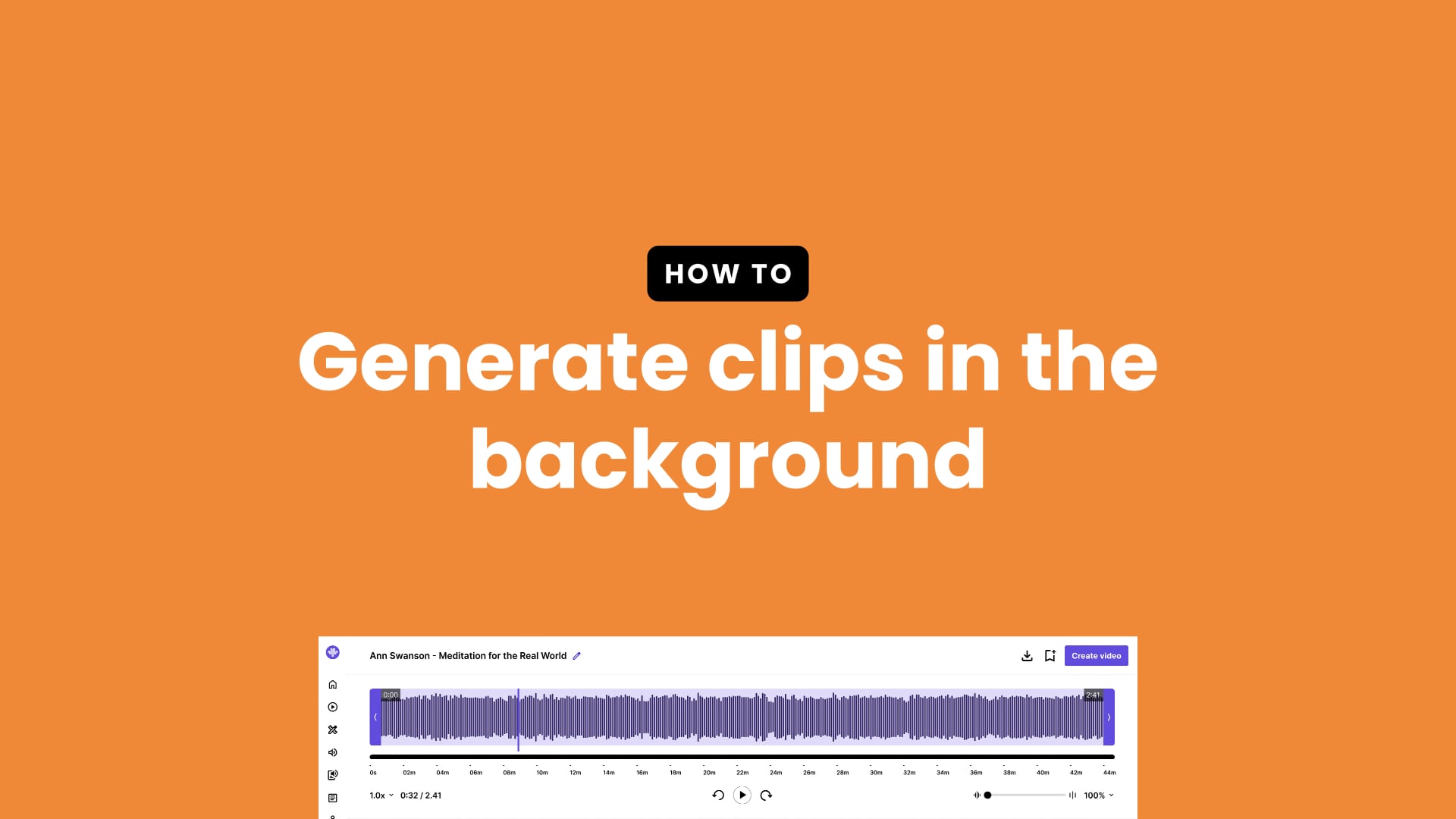
Generate clips in the background
Speed up your workflow with this handy tip
Video • 00:00
Text to speech
Learn how to create text to speech scripts
Video • 00:00
Record audio
Learn how to record audio in SoundMadeSeen
Video • 00:00
Clone your voice
Learn how to clone your voice in SoundMadeSeen
Other videos

Video • 00:00
AI video updates
How to use Runway ML to generate videos

Video • 00:00
Introducing teams
Learn how to use the new teams feature in SoundMadeSeen
